


3D Printer Guide in Pokémon Pokopia!
What is the 3D Printer?
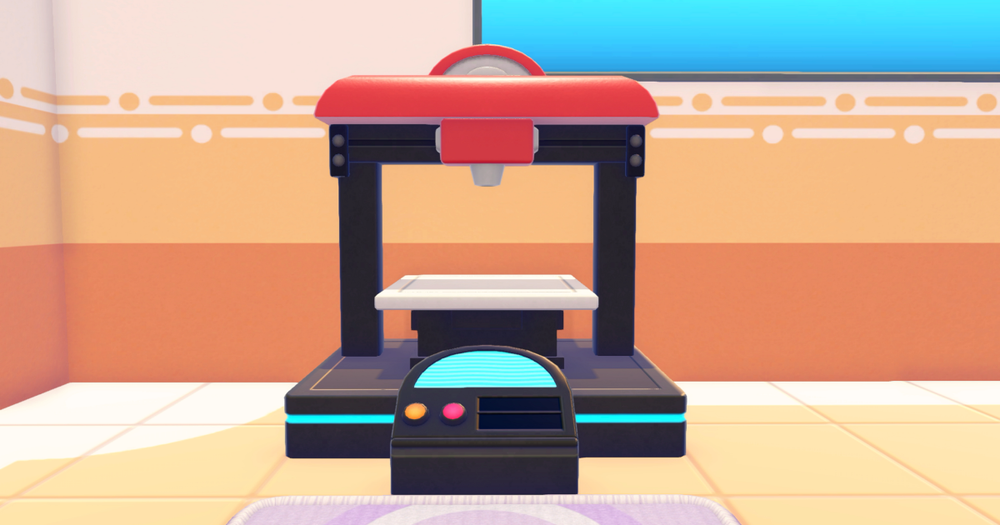
The 3D Printer is an item found in Pokémon Centers in Pokémon Pokopia. It is used to produce copies of furniture, decorations, and other items in exchange for Pokémetal.
How to unlock the 3D Printer
The 3D Printer is unlocked after you have finished rebuilding a Pokémon Center. It can be found in every Pokémon Center in the game and can be used infinitely.
How to use the 3D Printer
To use the 3D Printer, you first need to take a reference photo of the item you want to copy. To take a reference photo, you need to open the camera by pressing “-”, then press ‘Y’, and finally press ‘A’ to take a photo of the item.
Once you have taken the reference photo, head over to the 3D Printer and select the reference photo you have taken.
Finally, select how many copies of the item you want to make, and press ‘A’ to start making the copies.